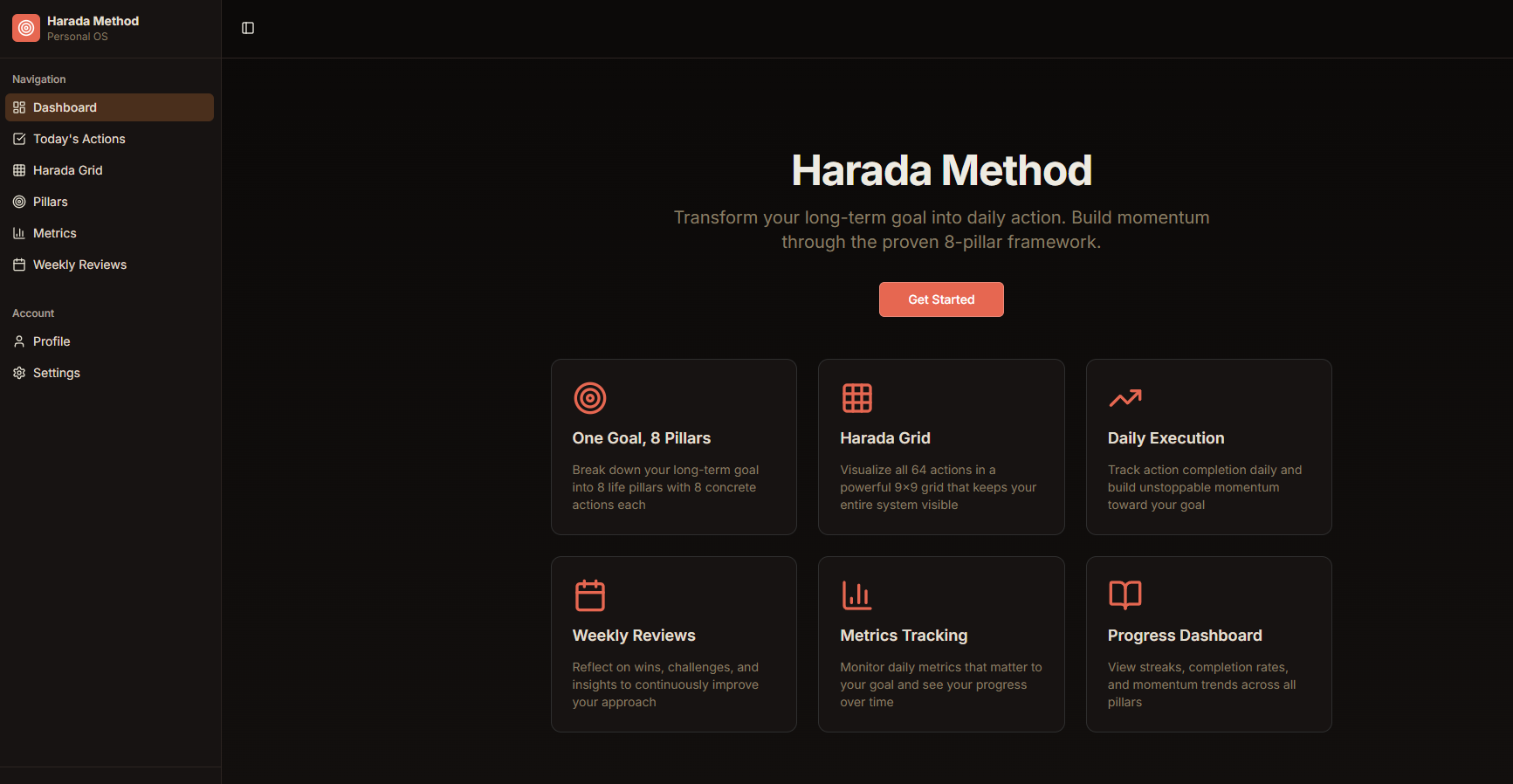
The login screen opens onto a clean, focused portal with the Harada System branding—suggesting structure before you even enter. Google authentication provides immediate access, while the background imagery hints at the eight-pillar architecture awaiting inside. No friction, no complexity; just a gateway to a system designed to convert ambitious intentions into daily executable routines.
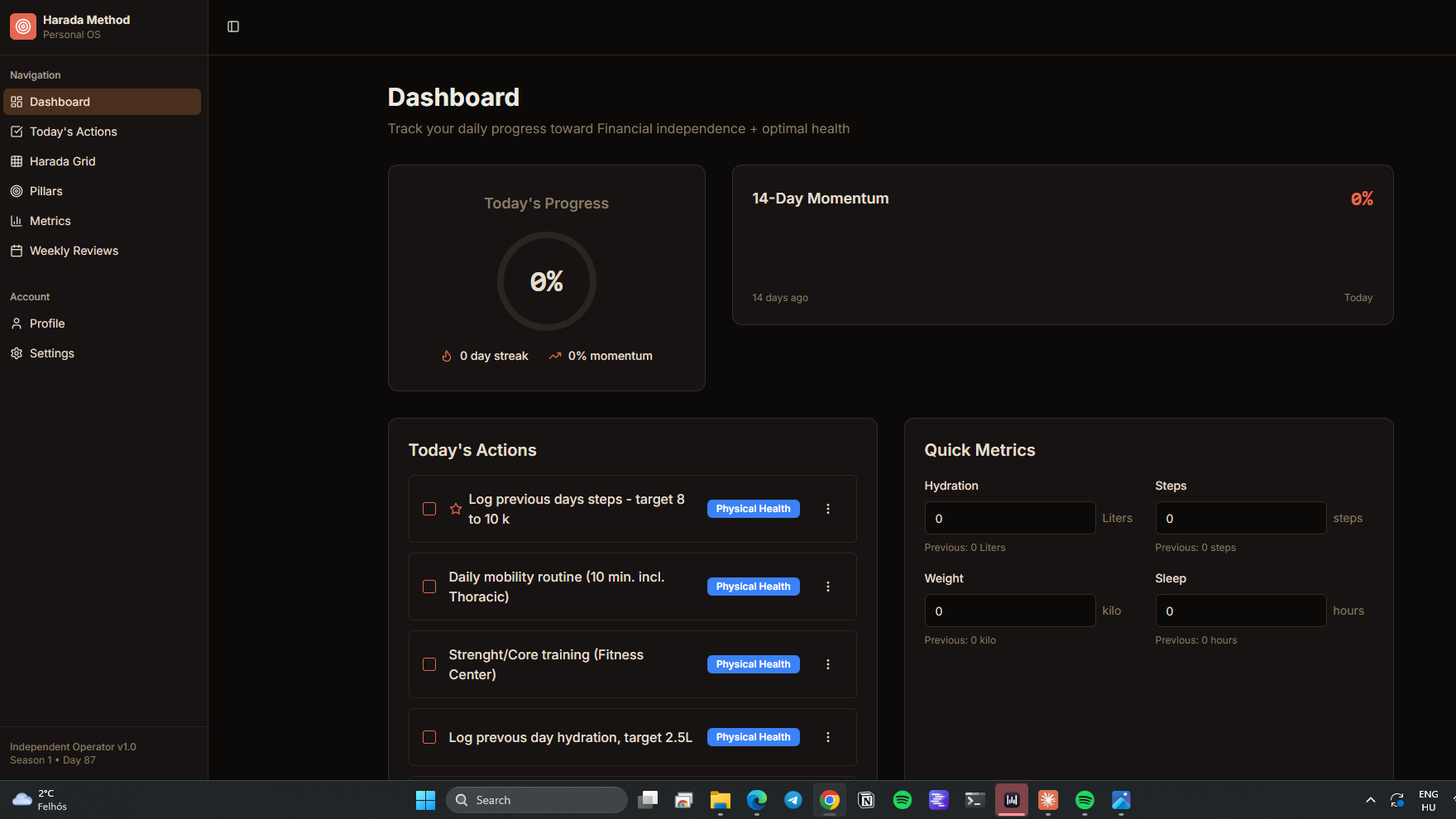
The dashboard centers on Today's Progress—a radial or percentage visualization showing how much of your 64-cell matrix you've completed. Below, a clear action list displays only what needs doing today, drawn from across your eight pillars. It's immediate prioritization: you see the center goal, the completion status, and the specific micro-actions waiting, transforming vague objectives into a concrete checklist.
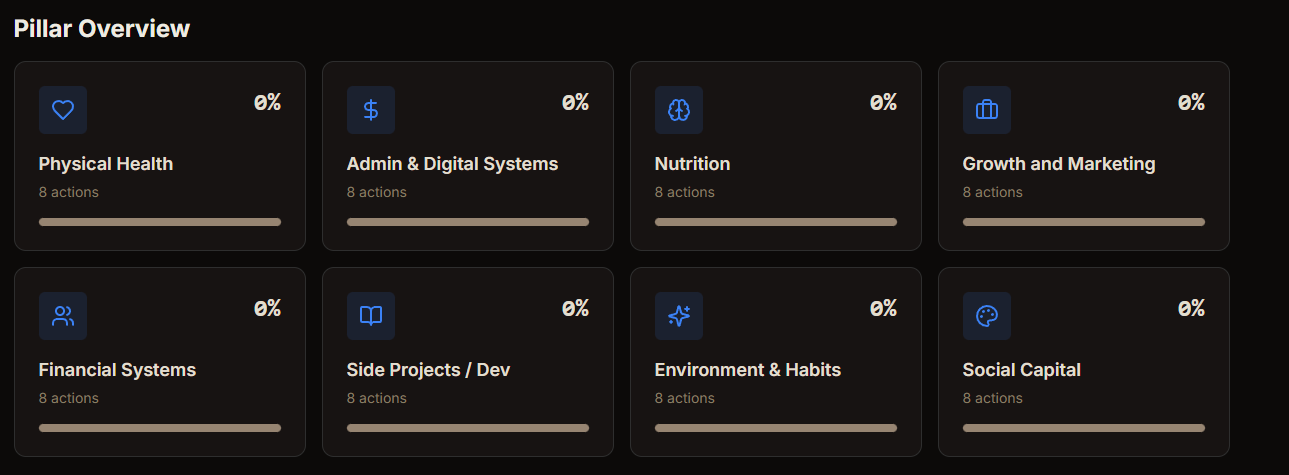
This view displays all eight pillars simultaneously—perhaps as vertical bars, circular indicators, or a grid—each showing its individual daily completion percentage. You instantly spot imbalances: if Physical Condition is fully green but Skills stagnates at twenty percent, the visual disparity demands attention. Each pillar name (customizable by you) sits above its progress metric, creating a health-check dashboard for your entire life architecture.
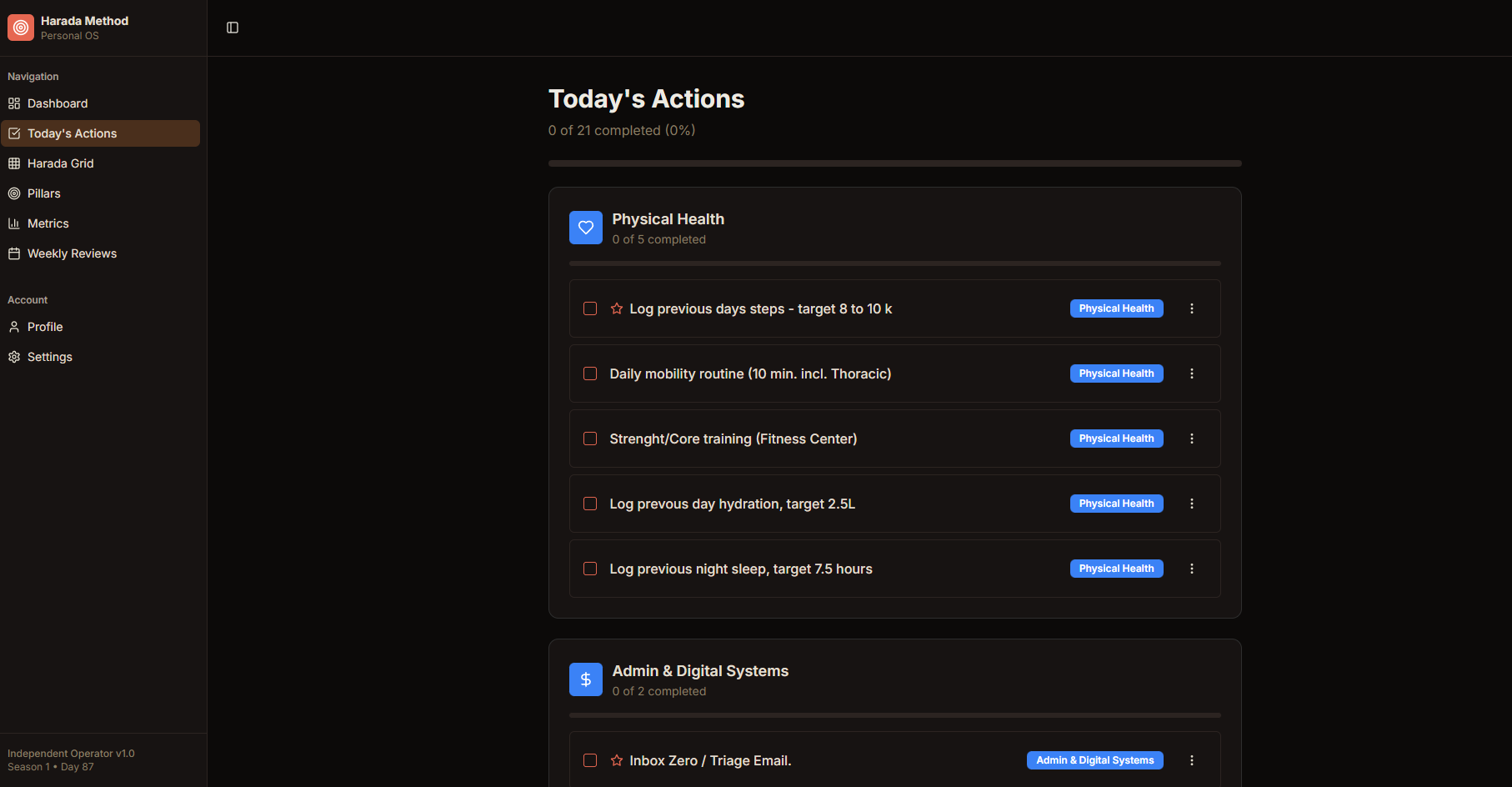
Here you see today's specific actions organized by pillar—each task tagged with its recurrence rhythm. Icons or labels indicate whether an action is daily, every-other-day, weekly, or monthly. You might see "Morning meditation" under Spirit marked as daily, while "Long run" under Physical appears only for today. This scheduling intelligence ensures you're never overwhelmed by seeing future tasks; you only see what the Harada methodology has determined is actionable today.
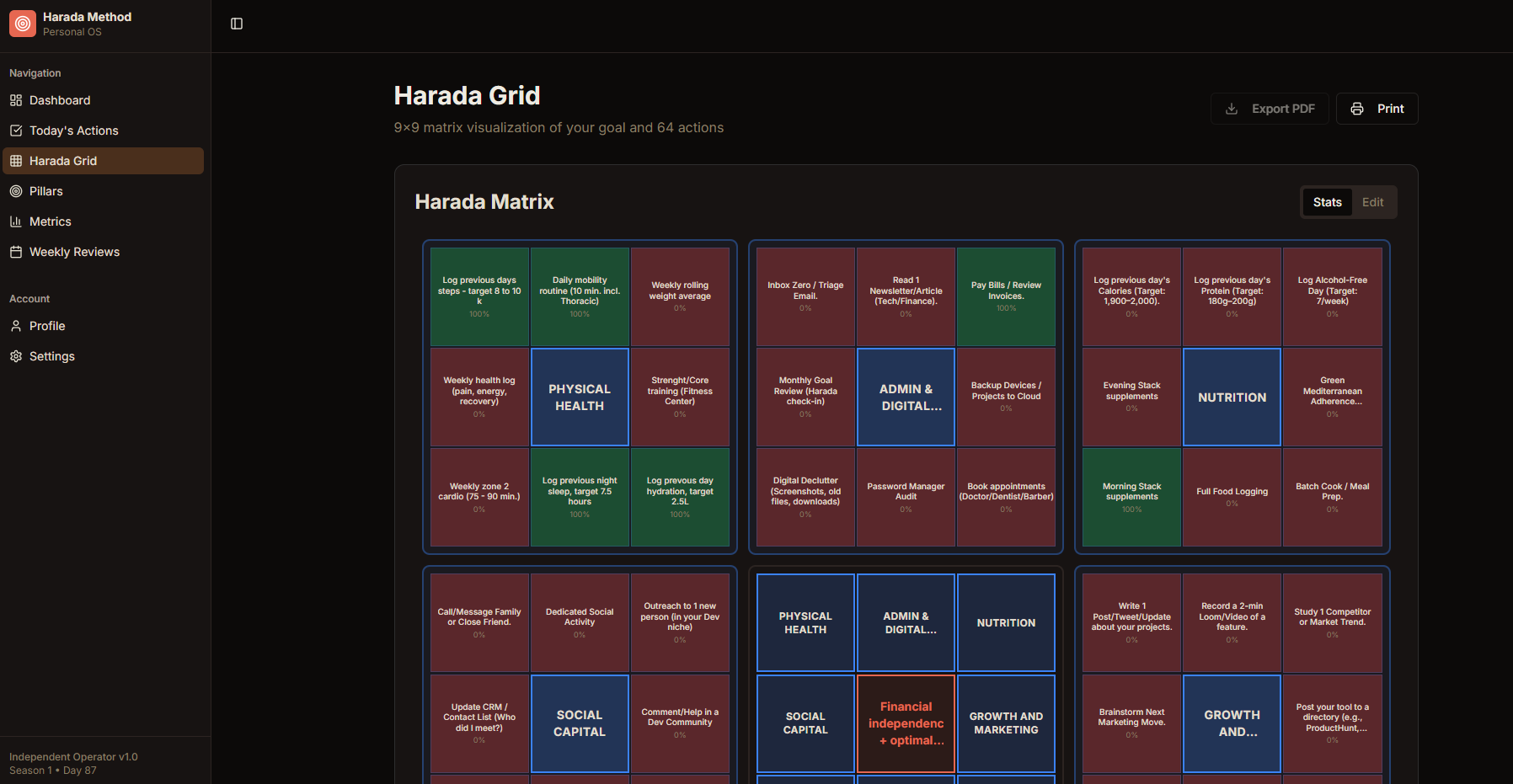
The Harada Grid reveals itself as an 8×8 matrix—sixty-four cells representing the intersection of your eight pillars and eight actionable items per pillar. Each cell contains a micro-action: not abstract goals, but concrete verbs like "Run 5km" or "Read 20 pages." Color-coding shows completion status across the grid. This is the famous "Open Window 64" methodology made tangible—a visual system where filling cells creates inevitable momentum toward your center goal.
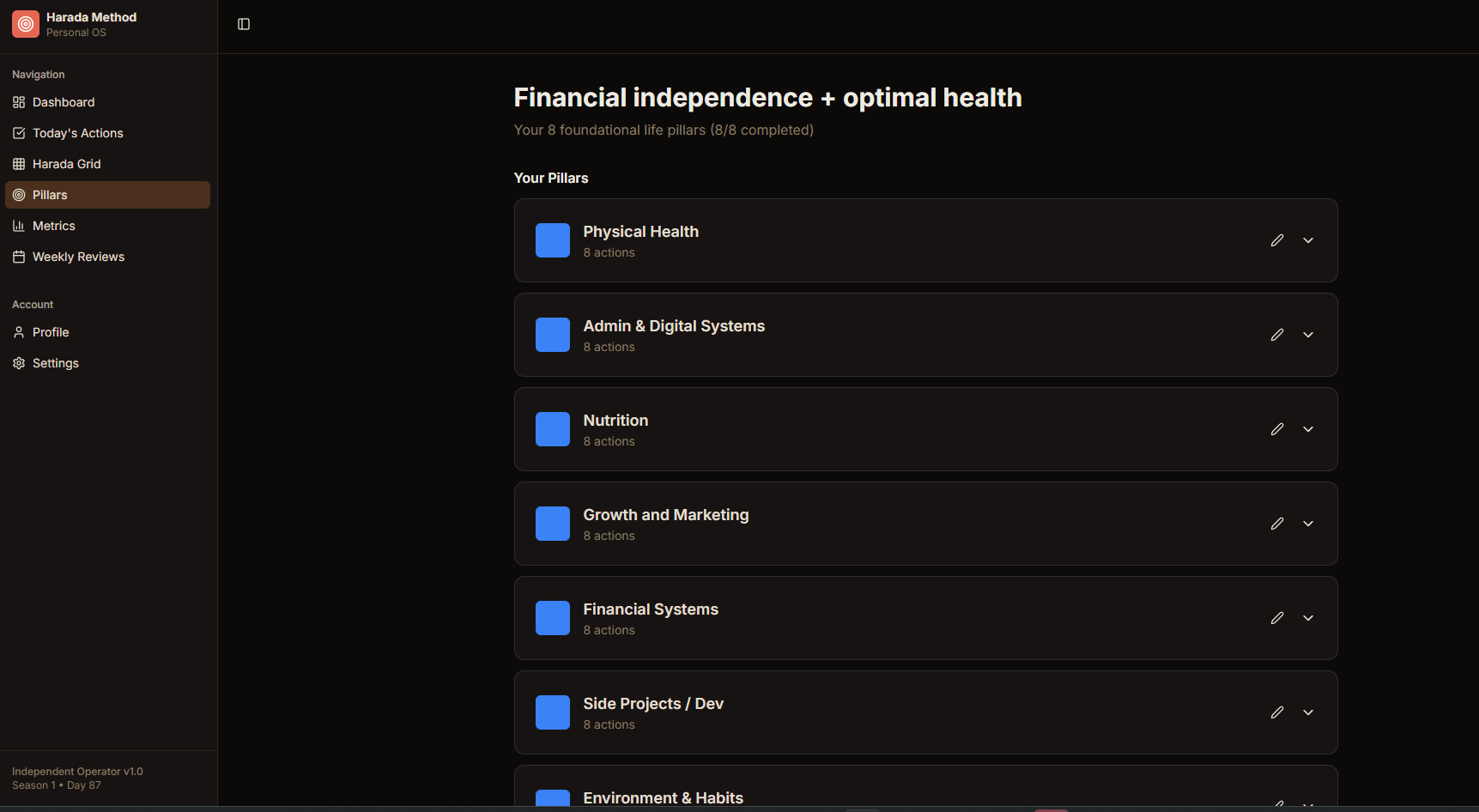
The pillar management interface lets you architect your eight categories from scratch. Input fields allow naming each pillar—perhaps "Career," "Japanese Language," "Strength," or "Music"—and defining the eight specific actions within each. You set frequencies here (daily, weekly, etc.), creating the automated rhythm that drives the system. It's fully customizable scaffolding: you determine what the eight pillars represent, while the app enforces the discipline of the 64-cell structure.